Engaging screen recordings.
Created in minutes.
Screen Studio is an opinionated screen recorder that makes your videos look beautiful.
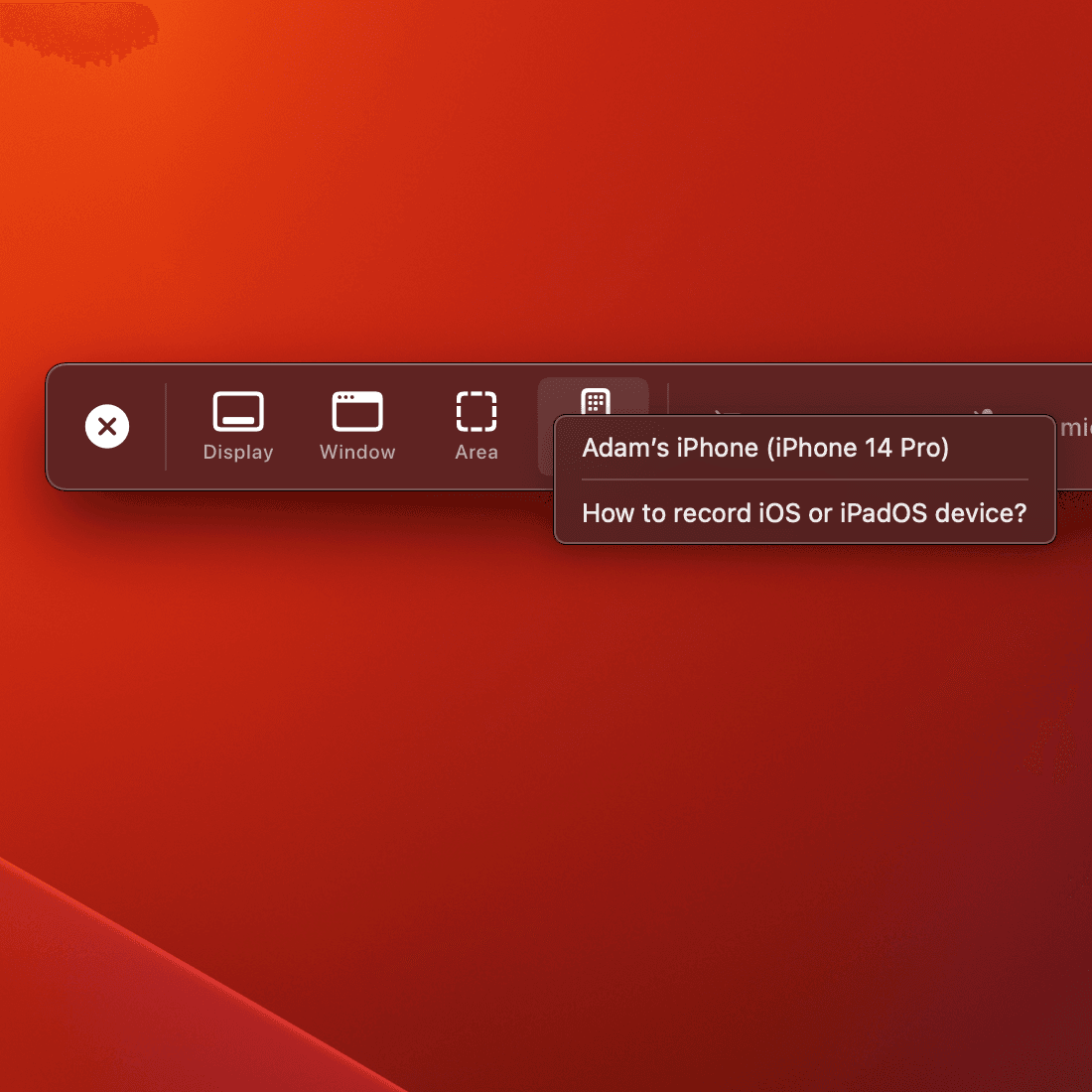
Automatic zoom for engaging screen recording
Make your demos and tutorials easier to follow while grabbing more attention. Especially on smaller screens.
Professional animations by default
Screen Studio is a video editor that works automatically. Effects that would take hours of manual work are created instantly.
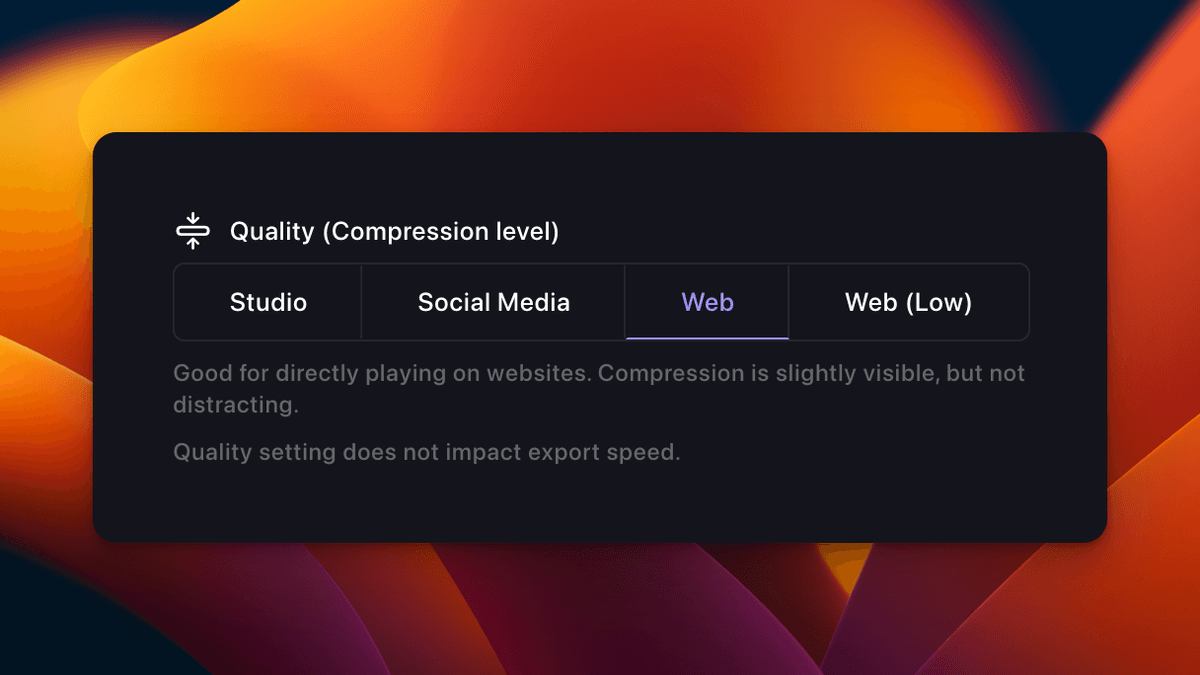
Add your style and branding
Whatever you record, it will match your brand. Change background, outer spacing, shadow, inset, and more.
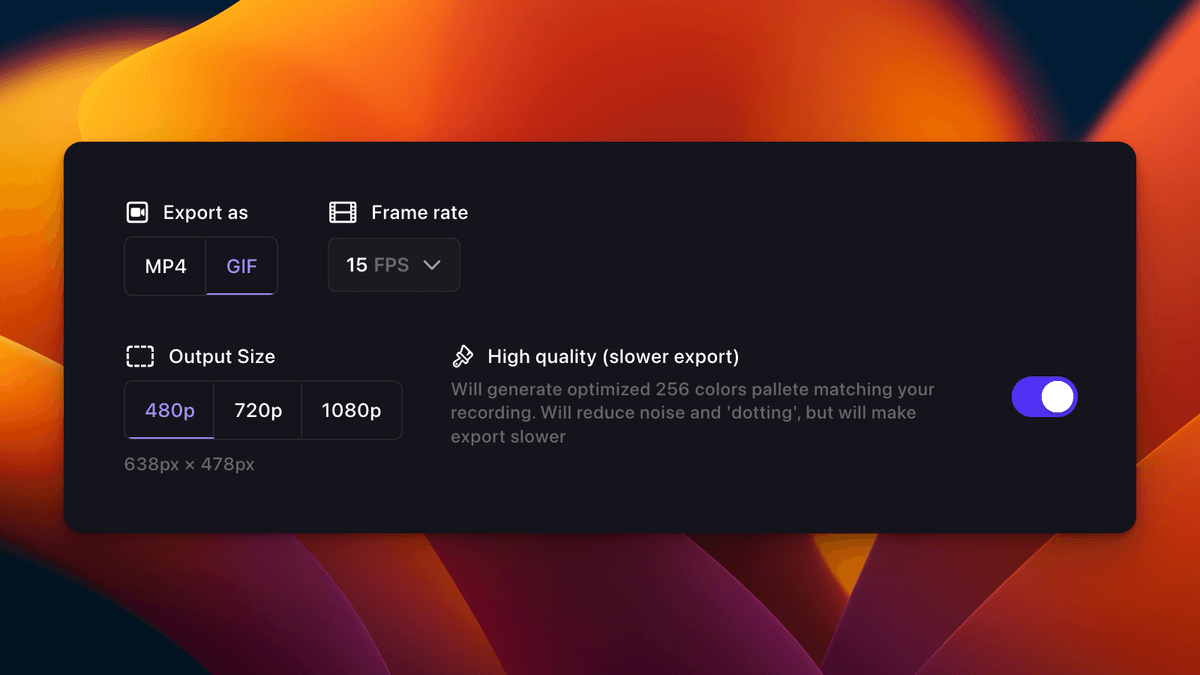
Easy screen recording
Simple, but powerful. Screen Studio can record webcam, microphone, system audio or any iOS device.
How it works
Streamlined workflow for creating professional screen recordings
Record
Capture your screen with automatic cursor enhancements and zooming.
Edit
Auto-enhance your recording with professional animations and transitions.
Customize
Apply your branding, adjust styles, and fine-tune the final output.
Share
Export and share your video in multiple formats including MP4 and GIF.
See it in action
Watch how easy it is to create professional screen recordings with Screen Studio.

Simple pricing. No surprises.
Choose the perfect plan for your needs with our straightforward pricing options.
Monthly
Perfect for getting started
- All Screen Studio features
- Forever yours
- 3 personal macOS devices
Annual
Our best value plan
- Everything in Monthly
- Save 20% annually
- Priority support
All plans include a 14-day free trial. No credit card required.
Meet Screen Studio users
Screen Studio empowers thousands of people to record beautiful videos and demos of their products and services.
"Screen studio from @pie6k I think is the best tool I've picked up for my Mac in YEARS"
"Never bought something so fast - screen.studio screen recordings look amaazing! 🌟✨"
"Elevating my screen recording game with screen.studio! Perfect way to share my screen magic with clients!"
Perfect for every use case
From product demos to tutorials, Screen Studio helps you create professional videos for any purpose.
Product Demos
Create engaging product demonstrations with automatic zoom and cursor emphasis.
Tutorial Videos
Make clear, easy-to-follow tutorial videos with professional animations.
Social Media Content
Export in vertical format perfect for social media stories and posts.
Create videos for any platform
Export your recordings in multiple formats optimized for different platforms and use cases.
Questions & Answers
If you have any other questions—please get in touch.
How is Screen Studio different from other screen recording apps?
Screen Studio automatically applies professional zooms, smooth cursor movement, and branding overlays—saving hours of manual editing.
Is the Windows version ready?
Currently macOS only. A Windows version is on our roadmap—join the waitlist for early access.
Is Screen Studio privacy focused?
All processing happens locally on your Mac—no recordings or data are sent to external servers.
What happens with my license after one year?
Keep using the version you have forever. Renew for 09/year to receive ongoing updates and new features.
Is there an education discount?
Yes—students and educators receive 30% off. Verify your status at checkout.
What features will be added in the future?
Teams collaboration, cloud AI features, and advanced export presets are coming soon.
What macOS version is required?
macOS Ventura 13.1 or newer is recommended for optimal performance.
Where to manage subscription?
Visit your account portal to update billing, change plans, or cancel anytime.


Download Screen Studio
Get the professional screen recorder for macOS. Create stunning demos in minutes.
- Lifetime license with one year of updates
- Works on 3 personal Macs
- macOS Ventura 13.1+ required
One-time payment. 14-day money-back guarantee.


